
Try It Now
ClickUp has a Free Forever plan, which includes a ClickUp Brain² trial of 500 AI credits per workspace.
Overview
ClickUp is a work management platform that combines tasks, docs, chat, whiteboards, dashboards and automations in one workspace. ClickUp AI, branded ClickUp Brain², is the AI layer across that workspace: it answers questions from your tasks and docs, writes and edits content, and runs AI agents.
Brain² lets users switch between Claude, GPT and Gemini models, each with access to workspace context. The AI offering also includes Super Agents (named agents such as Strategist, Developer and Visual Designer), AI Fields, an AI Notetaker for calls, Enterprise Search across the workspace, connected apps and the web, and Talk-to-Text voice input. Brain MAX is a desktop app for Windows and Mac.
ClickUp sells five plans: Free Forever, Core, Business, Enterprise and Max. Each paid plan includes a pooled monthly allowance of AI credits, and extra AI Super Credits cost $10 per 10,000. ClickUp's AI page also lists Brain AI at $9 and Everything AI at $28 per user per month.
Key Features
Workspace Answers
Ask questions about tasks, docs and chat and get answers grounded in your workspace.
Model Choice
Switch between Claude, GPT and Gemini models, each with access to workspace context.
Super Agents
Named AI agents such as Strategist, Developer and Visual Designer that share team context; they use AI Super Credits.
AI Notetaker
Joins calls, takes notes and adds what was said to the workspace context.
Enterprise Search
Deep Search across your workspace, connected apps and the web for complex questions.
AI Fields and Writing
AI-filled custom fields, plus drafting, proofreading and slide generation from a single prompt.
Pros & Cons
Advantages
- Free Forever plan with unlimited tasks and members
- AI answers from your own tasks, docs and chat
- Choice of Claude, GPT and Gemini models
- Core plan from $9 per user per month, billed yearly
- Web, Windows, Mac, iOS and Android apps
Disadvantages
- AI use is metered by credits; top-ups cost $10 per 10,000
- Free plan is limited to 60 MB of storage and 5 Spaces
- The most generous AI limits are on Max, at $100 per user per month
- SAML SSO, SCIM, audit logs and HIPAA require Enterprise
- ClickUp's site currently shows more than one set of plans and AI tiers, which makes pricing hard to compare
Pricing Plans
| Plan | Price | Includes |
|---|---|---|
| Free Forever | $0 | Unlimited tasks and members, 60 MB storage, 5 Spaces, 100 automations/month, Brain² trial (500 credits per workspace) |
| Core | $9/user/mo billed yearly | Unlimited storage and Spaces, custom fields, Gantt charts and forms, 1K automations/month, 1K AI credits/user/month (pooled) |
| Business | $17/user/mo billed yearly | Advanced dashboards, webhooks, 10K automations/month, resource management, timesheets, Google SSO, 1.5K AI credits/user/month (pooled) |
| Enterprise | Custom | White labeling, 1M automations/month, custom roles, SAML SSO and SCIM, audit logs, HIPAA, data residency, enterprise API |
| Max | $100/user/mo billed yearly | Everything in Enterprise plus maximum premium-model usage, unlimited AI Fields, notetaker and image generation, 10K AI credits/user/month (pooled) |
ClickUp shows the Core, Business and Max prices as discounts from regular prices of $12, $25 and $120. Extra AI Super Credits cost $10 per 10,000 on any plan. ClickUp's AI page also lists Brain AI ($9/user/month) and Everything AI ($28/user/month).
Screenshots & Interface
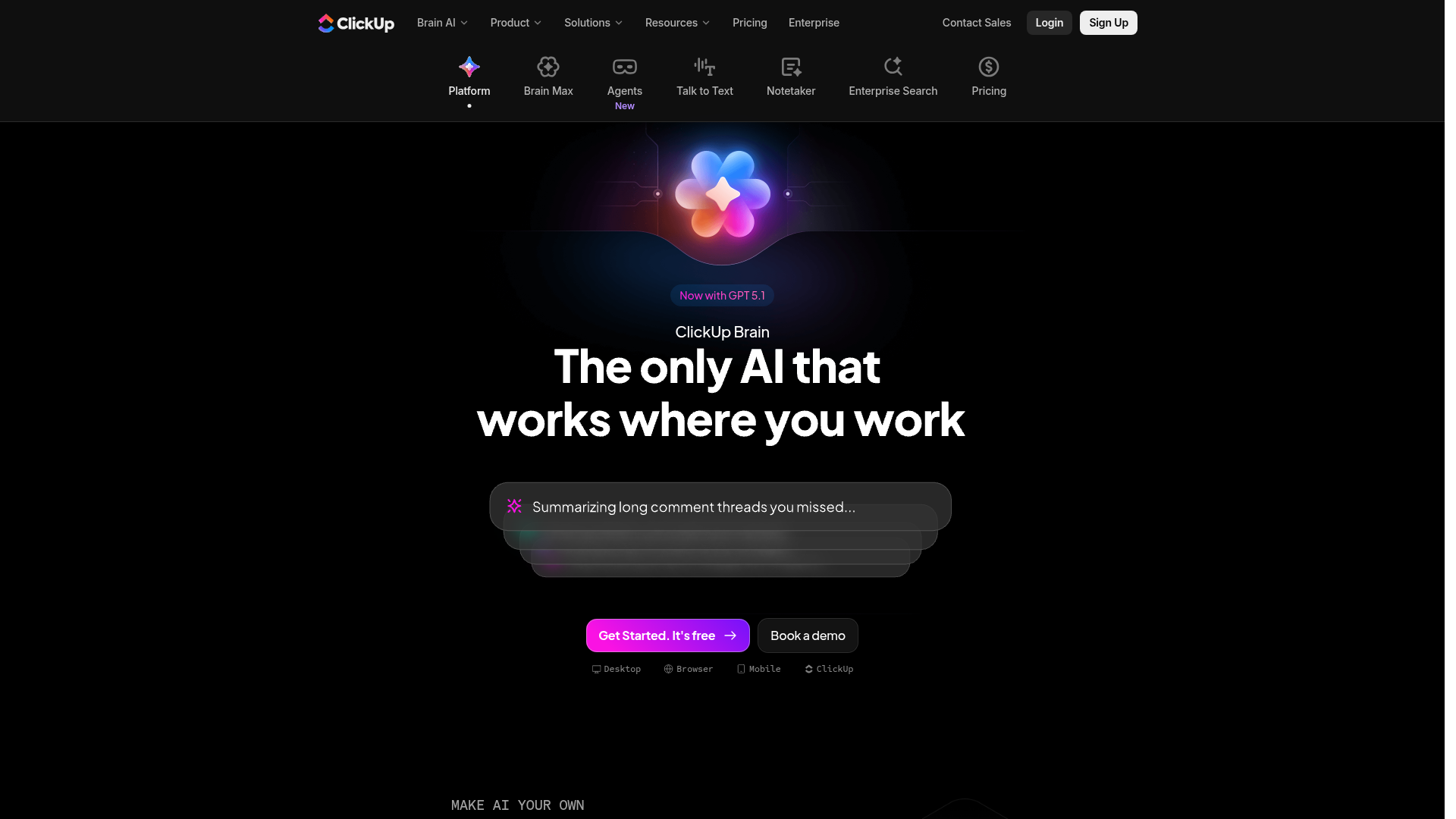
The ClickUp workspace with ClickUp Brain:
Best Use Cases
ClickUp AI Excels At:
- Teams that want tasks, docs and chat in one tool with AI on top
- Teams already running projects in ClickUp
- Organizations that want a choice of AI models
- Teams that rely on automations and dashboards
May Not Be Ideal For:
- Individuals who only need a simple to-do list
- Teams that need predictable AI costs under heavy use
- Organizations that need SAML SSO on a small budget
How It Compares
ClickUp AI vs. Alternatives
- vs. Notion AI: Notion centers on docs, wikis and databases, and full Notion AI comes with the Business plan ($20/member/month, billed yearly).
- vs. Motion: Motion is built around an AI calendar that auto-schedules tasks; it has no free plan and starts at $19 per seat per month, billed annually.
- vs. Zapier: Zapier connects more than 9,000 apps; ClickUp's own automations work inside the ClickUp workspace.
Final Verdict
Our Recommendation
ClickUp AI makes the most sense for teams that already run their work in ClickUp: Brain² answers from your tasks and docs, writes, and runs agents with a choice of models. The Free Forever plan is a real starting point, but AI use is metered by credits and ClickUp currently shows more than one set of plans, so check the AI allowance of the plan you buy.